
Digital Photo Requirements for Cameroon eVisa Applications
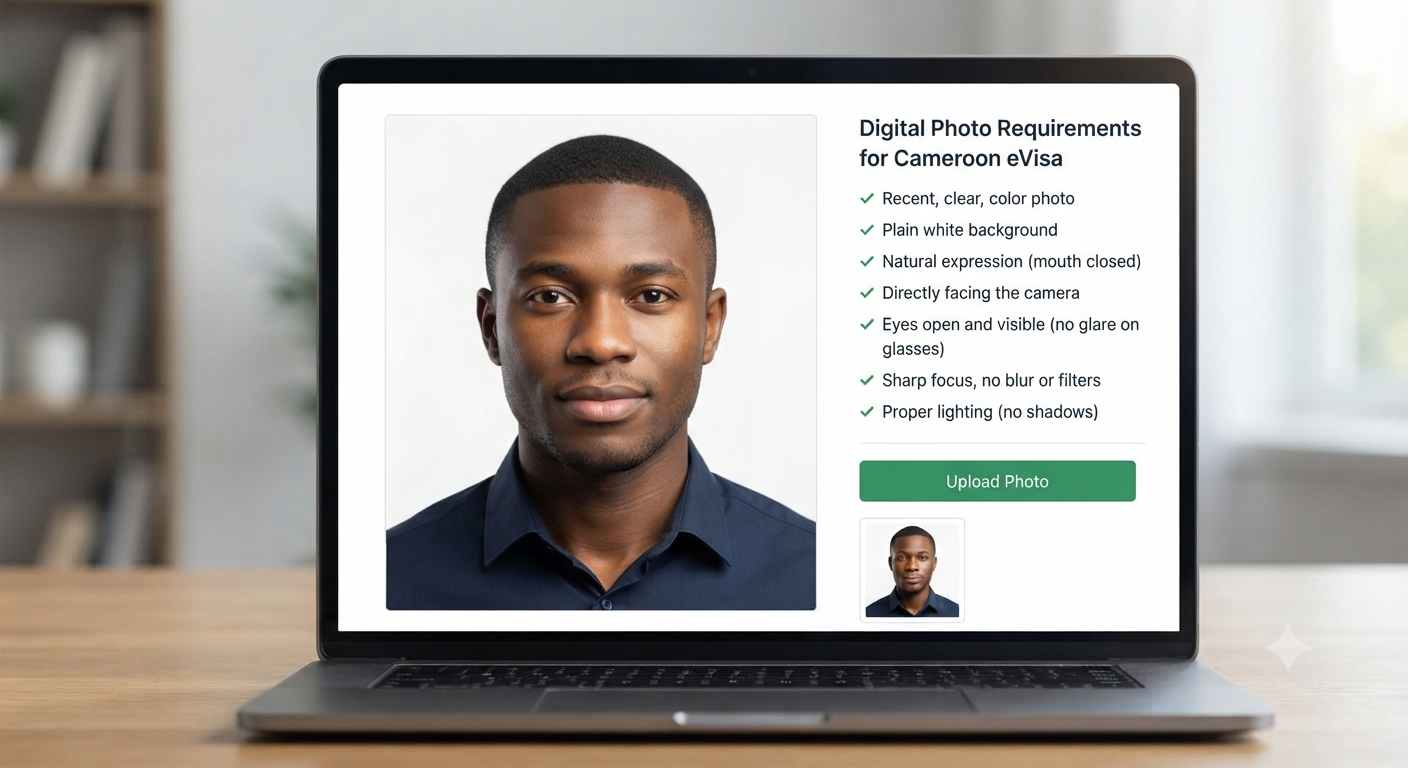
Applying for a Cameroon eVisa involves more than completing an online form and uploading travel documents, as your photograph is also an important part of the application process. Before uploading your picture, it is essential to understand the Cameroon visa photo requirements , including image clarity, background colour, facial expression, head position, and overall photo quality. Applicants should use a recent photograph that reflects their current appearance, choose a plain white background without patterns or shadows, keep their face centred and clearly visible, and maintain a natural expression with their mouth closed. Avoid blurry images, selfies, filters, and digital alterations, and ensure that your eyes are visible without reflections from glasses. Parents preparing applications for children and babies should also pay attention to proper positioning and facial visibility to help avoid unnecessary photo-related corrections.
What Are the Photo Requirements for a Cameroon Visa?
A Cameroon eVisa photograph should clearly show your face and natural appearance. Before uploading, make sure your picture meets the following basic requirements:
- Clear image quality: Use a sharp photograph without blurriness.
- Proper lighting: Ensure your face is evenly illuminated.
- Plain background: Choose a clean, white background without patterns.
- Correct positioning: Keep your head straight, centred, and facing the camera.
- Natural expression: Maintain a neutral expression with your mouth closed.
- Visible facial features: Keep your eyes open and face unobstructed.
- No distractions: Avoid unnecessary objects or other people in the photograph.
What Are the Cameroon Visa Photo Specifications?
The photograph should follow basic identification-photo standards to ensure that the applicant’s facial features are easy to recognise. Image clarity and natural colours are particularly important when preparing a digital photograph.
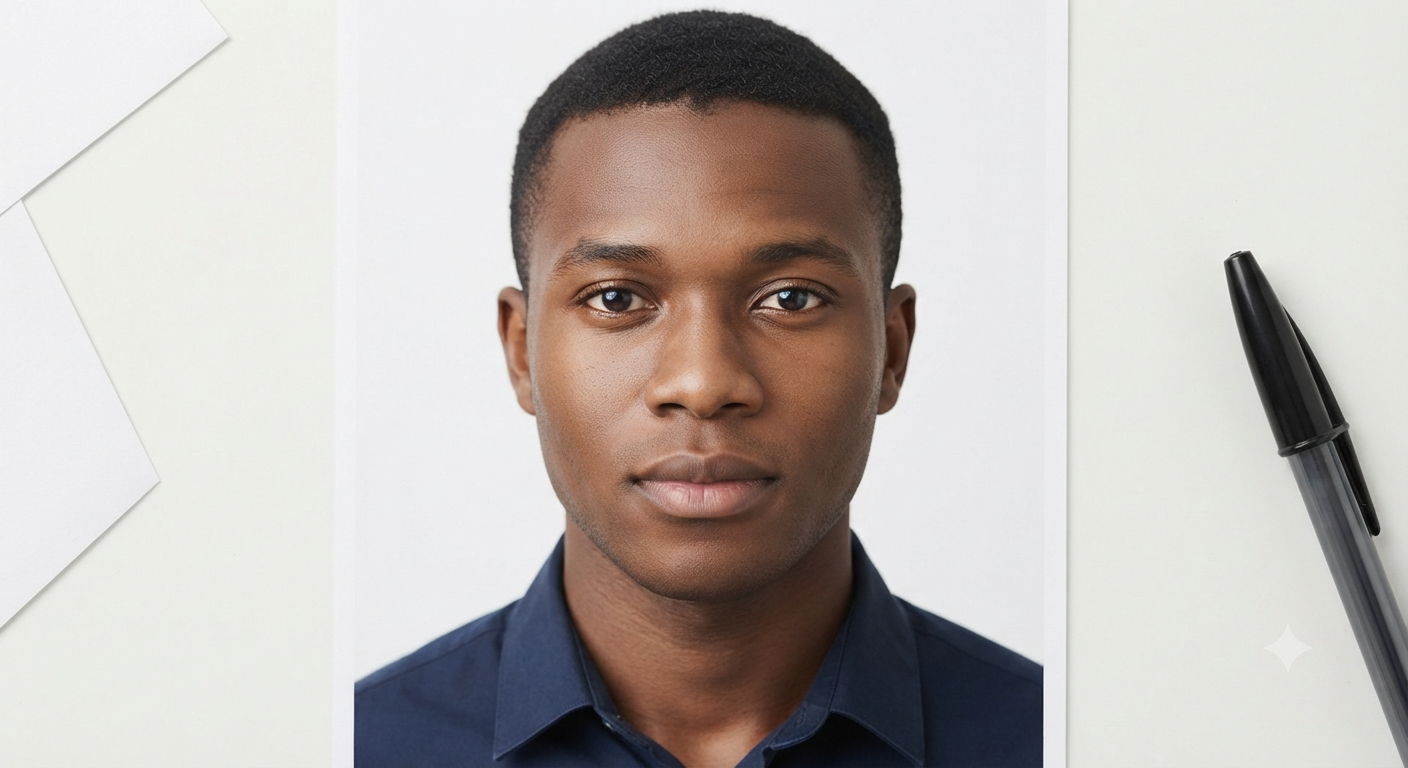
- Image quality: The picture should be clear, sharp, and high-definition.
- Background: Use a plain white background without patterns.
- Head position: Keep your head centred and face the camera directly.
- Facial expression: Maintain a neutral expression with your mouth closed.
- Eye visibility: Keep both eyes open and free from obstruction.
- Photo editing: Submit an original photograph without filters or alterations.
What Background Is Required for a Cameroon Visa Photo?
A plain white background is required for a Cameroon visa photograph to keep the applicant’s face clearly visible. Choose a clean, uncluttered surface without patterns, decorations, or other distractions. Make sure there are no shadows behind your head or around your face, as uneven lighting can affect image clarity. A simple white wall is a suitable option. Before uploading, review the photograph to ensure the background is consistent, bright, and free from unwanted shadows.
How Should You Prepare a Photo for a Cameroon Visa Application?
Preparing a photograph for your Cameroon eVisa application requires attention to lighting, background, and facial positioning. Follow these simple steps to capture a suitable picture:
- Choose a bright location: Ensure your face is evenly illuminated.
- Use a white background: Select a plain, clean surface without patterns.
- Maintain proper posture: Keep your head straight and shoulders relaxed.
- Face the camera: Look directly at the camera with a natural expression.
- Avoid movement: Stay still while taking the photograph to prevent blurriness.
- Use a tripod: Keep the camera steady for a clearer image.
- Avoid selfies: Take a proper photograph instead of using a selfie.
What Are the Common Mistakes to Avoid in a Cameroon Visa Photo?
Even small mistakes in your photograph can affect its suitability for a Cameroon eVisa application. Before uploading your picture, carefully check for the following common errors:
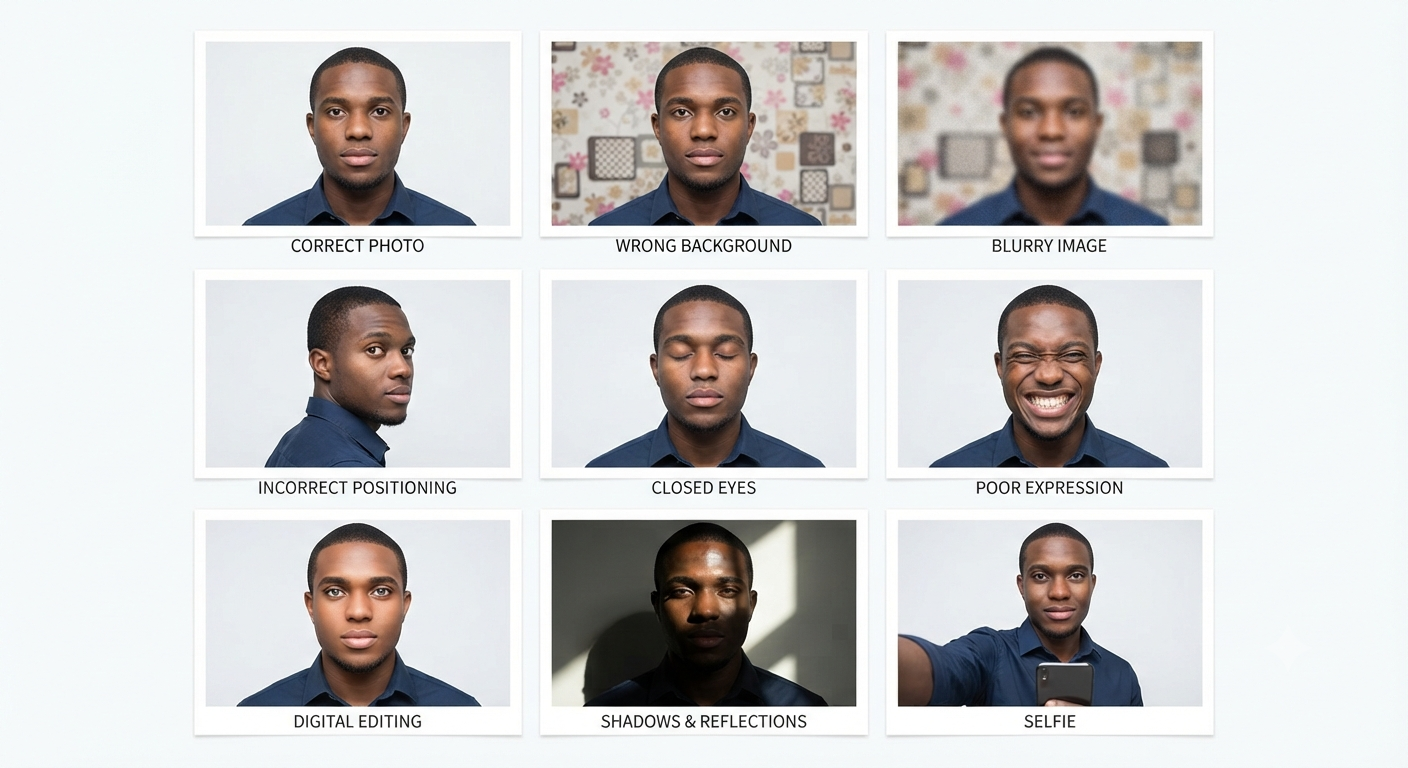
- Wrong background: Avoid coloured or patterned backgrounds; use plain white.
- Blurry image: Do not submit unclear or low-quality photographs.
- Incorrect positioning: Always face the camera directly.
- Closed eyes: Keep both eyes open and clearly visible.
- Poor expression: Avoid open mouths or exaggerated facial expressions.
- Digital editing: Do not use beauty filters or alter your facial features.
- Shadows and reflections: Ensure your face is evenly lit without unwanted shadows or glare.
- Selfies: Avoid selfies and use a properly taken photograph.
Can You Upload a Digital Photo for a Cameroon eVisa?
Yes, applicants can upload a digital photograph when completing their Cameroon eVisa application. The image should be original, clear, and reflect your current appearance without filters or digital alterations. You can use a photograph taken with a suitable camera, provided it meets the required photo guidelines. However, selfies are not accepted. Before uploading, review the image to ensure your face is clearly visible and the photograph is suitable for online submission.
What Should You Remember Before Uploading Your Cameroon Visa Photo?
Before uploading your photograph for a Cameroon eVisa application, carefully review the image to ensure it meets the required photo guidelines. Keep the following points in mind:
- Recent photograph: Use a picture that reflects your current appearance.
- Original image: Avoid filters, retouching, or digital alterations.
- Background: Choose a plain white background.
- Proper lighting: Ensure your face is evenly illuminated.
- Facial expression: Maintain a natural expression with your mouth closed.
- Correct positioning: Keep your head straight and centred.
- Clear visibility: Make sure your eyes and facial features are clearly visible.
- No shadows or reflections: Check the image for unwanted shadows and glare.
How Should You Prepare Visa Photos for Babies and Children?
Preparing visa photographs for babies and children requires extra care to ensure their faces are clearly visible. Parents should pay attention to the following points when taking pictures for a Cameroon eVisa application:
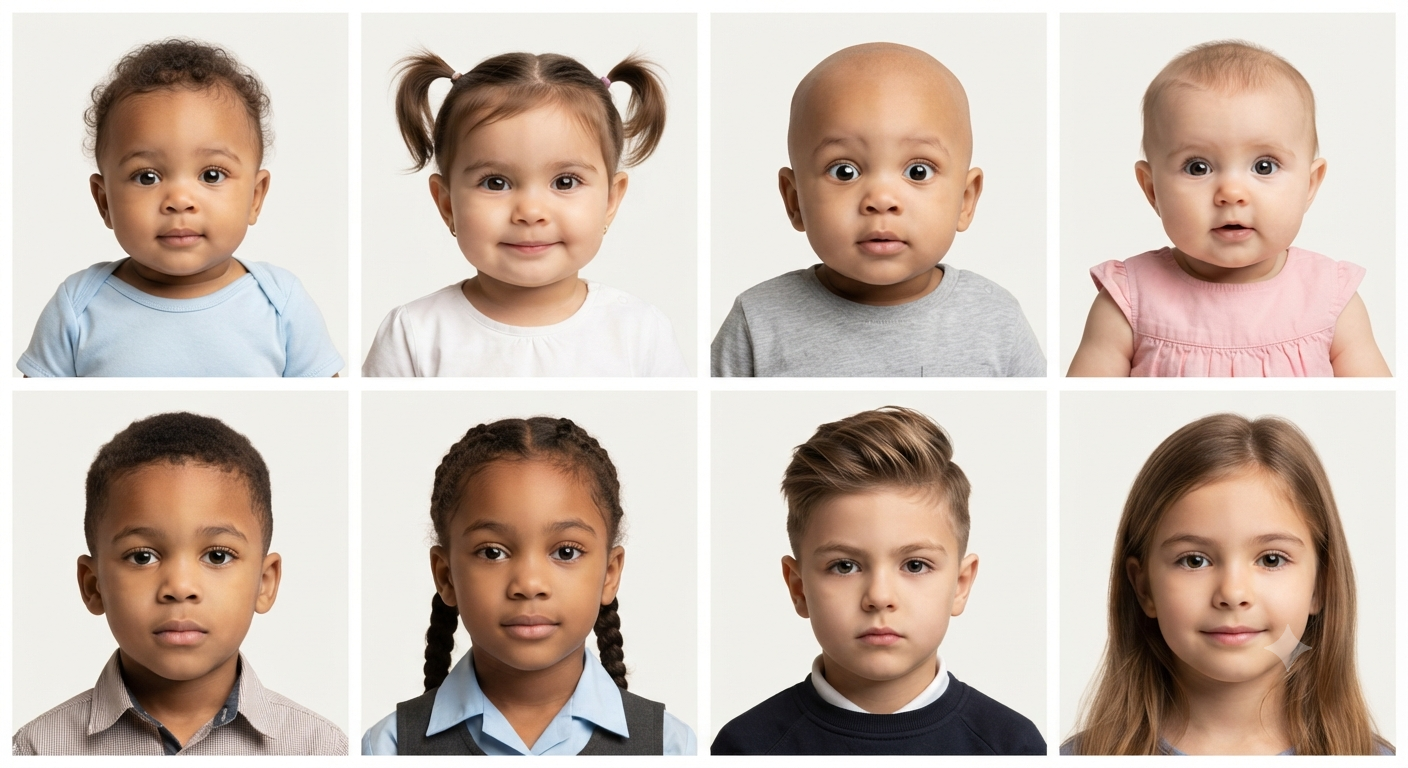
- Clear facial visibility: Make sure the child’s entire face is visible.
- Natural expression: Encourage children to maintain a calm expression with their mouths closed.
- Open eyes: Ensure both eyes are open and clearly visible.
- Correct positioning: Keep the child’s head straight and properly positioned.
- No obstructions: Avoid toys, hands, or other objects covering the face.
- Suitable timing: Choose a moment when the baby is calm and comfortable.
Conclusion:
Preparing a suitable photograph is an important part of completing a Cameroon eVisa application. Applicants should pay attention to the white background, clear image quality, natural facial expression, correct head positioning, and other essential photo guidelines. Using a recent photograph taken within the last six months and avoiding selfies, filters, and digital alterations can help prevent common photo-related problems. Whether applying as an individual or preparing photographs for children, reviewing the image before uploading is a simple step that can make the overall application process more straightforward.